How it works
From sign-up to your first order in an afternoon.
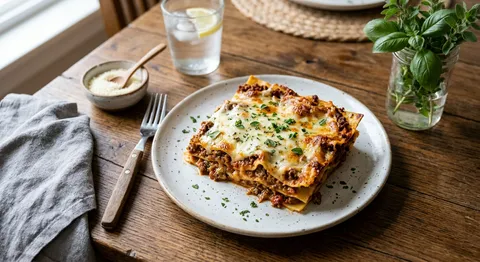
1. Send us your menu
Send a photo of your menu or type your dishes. We build your order page; you approve it before it goes live.
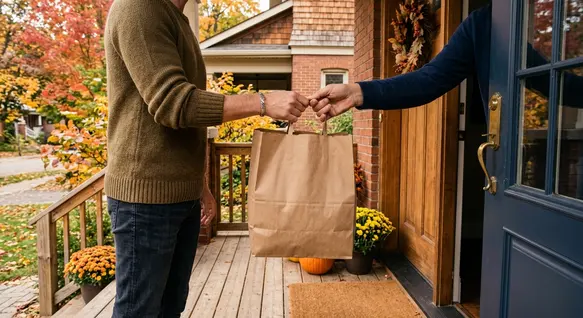
2. Share your link
dish.ly/your-kitchen
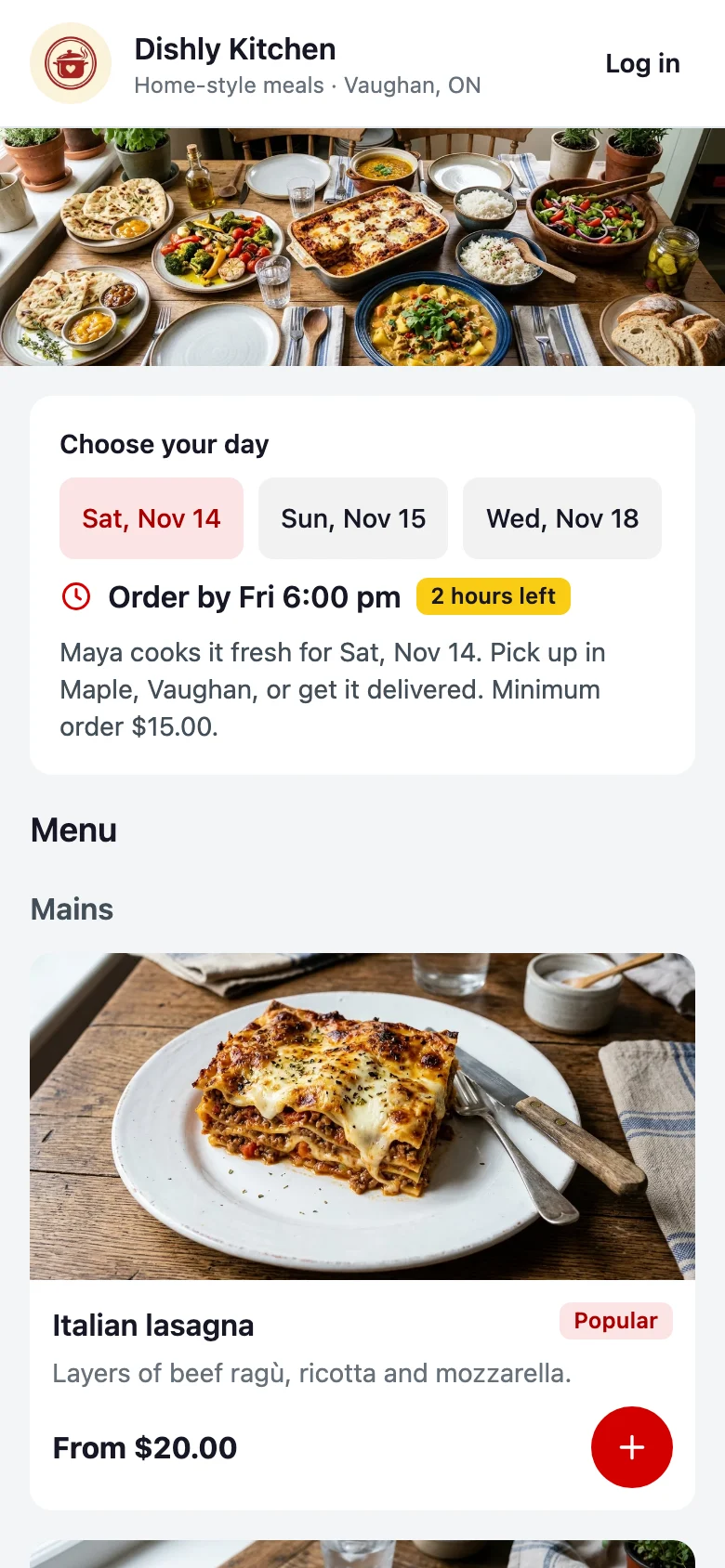
Post it on Instagram and WhatsApp. Customers order ahead and pay in a minute, with no app and no account.
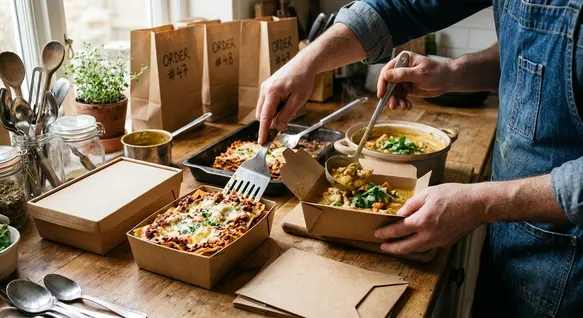
3. Cook to order
See every order and a prep list in one place. Customers pick up, you deliver, or a courier collects it.
Stop running your orders from your DMs
The cooking is the hard part. Taking the orders should not be.
Today
- Orders scattered across DMs, WhatsApp and texts
- Chasing e-Transfers and checking who has paid
- Writing the prep list by hand the night before
- Cooking extra in case, or running out
With Dish.ly
- Every order in one list, sorted by pickup time
- Customers pay when they order, by card, Apple Pay or e-Transfer
- A prep list that adds itself up
- Ordering closes at your cut-off and stops when you sell out
Pricing
No monthly fee
- You pay a 2.9% + $0.30 credit card processing fee on card orders. Nothing to sign up, nothing per month.
- Your customers pay a $2.00 service fee per order.
- You are paid every Monday by Interac e-Transfer for card orders completed up to Sunday.
Full details are in the Seller Terms.
Create my order pageWhat would you take home?
Move the sliders to match a normal week.
Questions sellers ask
Do my customers need an app or an account?
No. They open your link, pick their dishes and pay. It works in any phone browser, straight from Instagram or WhatsApp.
What does it cost me?
There is no monthly fee and nothing to pay to sign up. On card orders you pay a 2.9% + $0.30 credit card processing fee. Your customer pays a $2.00 service fee per order; when they pay you by e-Transfer, that $2.00 comes off your weekly payout.
When and how do I get paid?
Every Monday, by Interac e-Transfer, for card orders completed up to Sunday. Customers who pay by e-Transfer send the money straight to you.
I only cook one or two days a week. Does that work?
Yes, that is what Dish.ly is built for. Pick your cooking days, set when orders close for each one, and offer the pickup and delivery windows that suit you.
Can I sell food from my home kitchen?
Usually yes, for certain foods. The rules for selling food made at home are set by each province and your local public health unit, and they limit what a home kitchen may sell. You are responsible for following the rules that apply to your kitchen; check with your local public health unit if you are unsure.
What if I need to stop taking orders?
Pause your page with one tap, mark a dish sold out, or add time off for holidays. Your page stays up so customers can ask to be told when you are back.