BlogTaking orders · 4 min read
Cut-Off Times for Food Pre-Orders: 7 Rules That Save Your Week
A cut-off time decides how much you shop, cook and waste. Seven rules for setting pre-order deadlines and limits that customers respect.
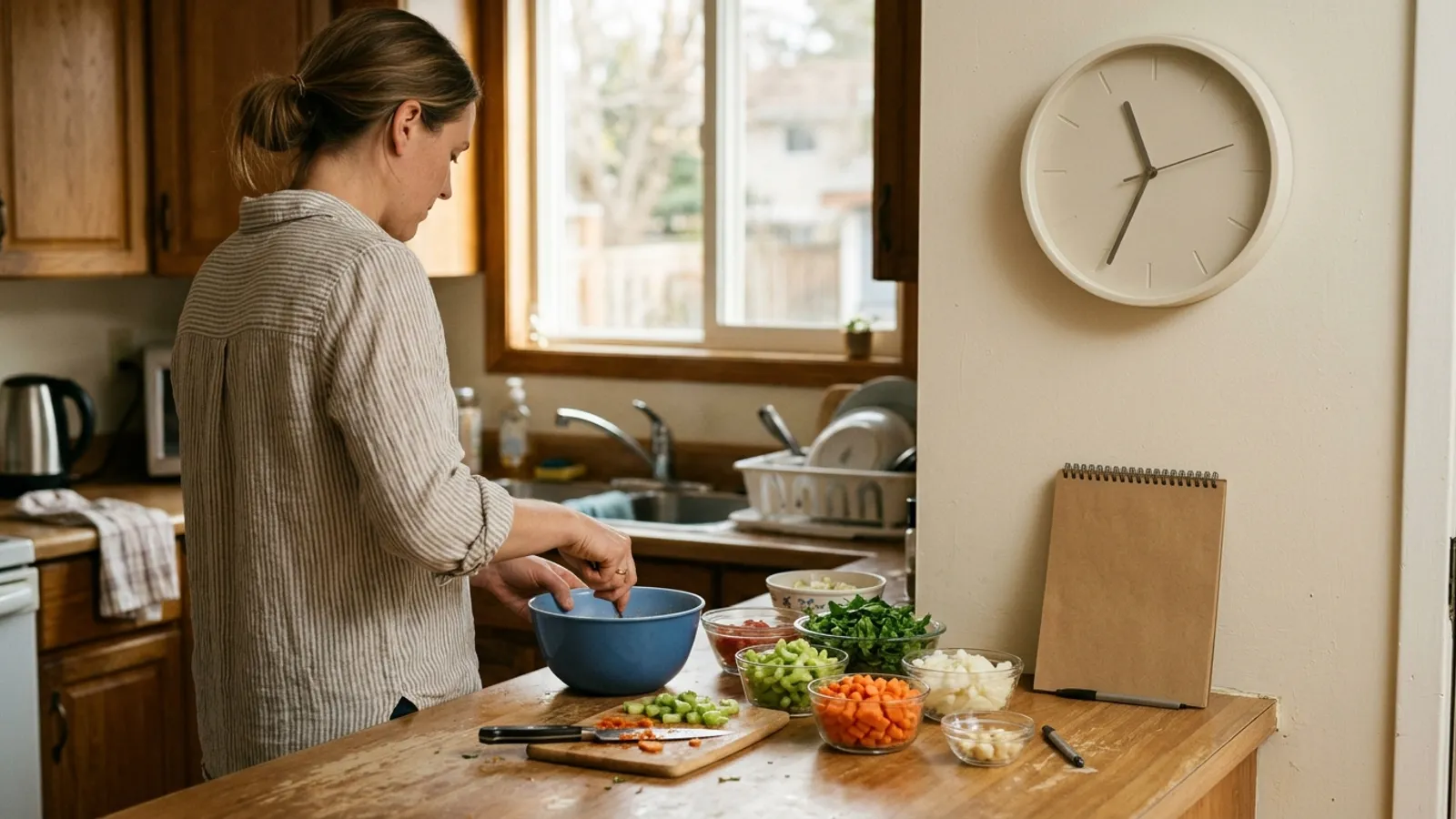
Ask a home cook what went wrong last weekend and the answer is rarely the cooking. It is the order that came in at ten on Friday night, after the shopping was done, from a customer too loyal to refuse. One extra tray means a second trip to the store, a later night and a thinner margin.
A cut-off is the smallest change that fixes the most. It tells you exactly what to buy, and it tells your customers when to act. Here are seven rules for setting one that holds.
1. Work backwards from the shop, not the stove
Your real deadline is the last moment before you buy ingredients.

Start with pickup time and walk backwards: when you pack, when you cook, when you prep, when you shop. The cut-off belongs a few hours before the shop, so the list you carry is the list of what was ordered. A cut-off that falls after you have bought the meat is a guess with a deadline attached.
2. One cut-off for each cooking day
Saturday's orders and Sunday's orders deserve different deadlines.
If you cook on two days, give each its own closing time. One deadline for the whole weekend forces Sunday's customers to decide on Thursday, and they will not. Separate cut-offs let the later day keep taking orders while the first is already being cooked.
3. Cap by the pot, not by hope
Every kitchen has a number, and it is smaller than a good week makes it feel.
Count what one batch really yields: twelve trays from the big pot, forty dumplings an hour, two ovens of cookies before midnight. Set the limit there. Add a cap for each dish and a cap for the whole day, because ten small orders can be as much work as three large ones.
The limit is not a ceiling on your income. It is the point where the food stops being as good as your name.
4. Say yes to the deadline, no to the exception
The first late order you accept teaches every customer that the cut-off is a suggestion.
Have one sentence ready and use it kindly: orders for Saturday are closed, the next menu opens Monday. Then offer the thing you can do, which is a reminder when ordering opens again. People respect a rule that is the same for everyone.
5. Show what is left
Nothing moves an undecided customer like the words three left.
If you can show remaining portions as orders come in, do. If you cannot, post the count in a story once or twice before the cut-off. It is honest, it is useful, and it saves you from the message that begins: do you still have any.
6. Give sold out somewhere to go
A customer who missed out this week is the easiest sale next week.
When a dish sells out or the cut-off passes, do not leave a dead end. Offer a way to be told when the next menu opens. A short list of people who wanted to order and could not is the warmest audience you will ever have.
7. Move the line after you have looked at the numbers
A cut-off is a setting, and the best ones are adjusted a few times.
After each cooking day, look at when orders came in. If most arrived in the final hours, your cut-off is doing its job. If half your customers ask for more time, try moving it a few hours later and see whether your shopping still works. Change one thing at a time, and tell people when you do.
Questions people ask
How far ahead should a pre-order cut-off be?
Far enough that you shop after it closes. That is often a day or two before pickup, but the right answer comes from walking backwards through your own pack, cook, prep and shop times.
What do I say to a customer who orders late?
Thank them, say that orders for that day are closed, and tell them when the next menu opens. Offer to let them know when it does. Keeping the rule the same for everyone is what makes it stick.
Should I limit how many orders I take?
Yes. Set a limit for each dish and for the day as a whole, based on what one batch really yields. Limits protect quality and stop a busy week from turning into a late night.
How does Dish.ly handle cut-offs?
On Dish.ly you choose your cooking days and set a cut-off for each one. Ordering closes on its own at that time, each dish can have a quantity for the week and a maximum per order, customers see what is left, and people who miss out can ask to be emailed when you open again.
SHOP ONCE, COOK ONCE
Let the cut-off enforce itself
Set your cooking days and closing times on a Dish.ly order page and stop taking orders by hand. There is no monthly fee.
Create my order page