BlogTaking orders · 4 min read
How to Take Food Pre-Orders on Instagram Without DM Chaos
Taking food pre-orders through Instagram DMs works until the week it does not. Eight habits that keep orders, payments and pickup times in one place.
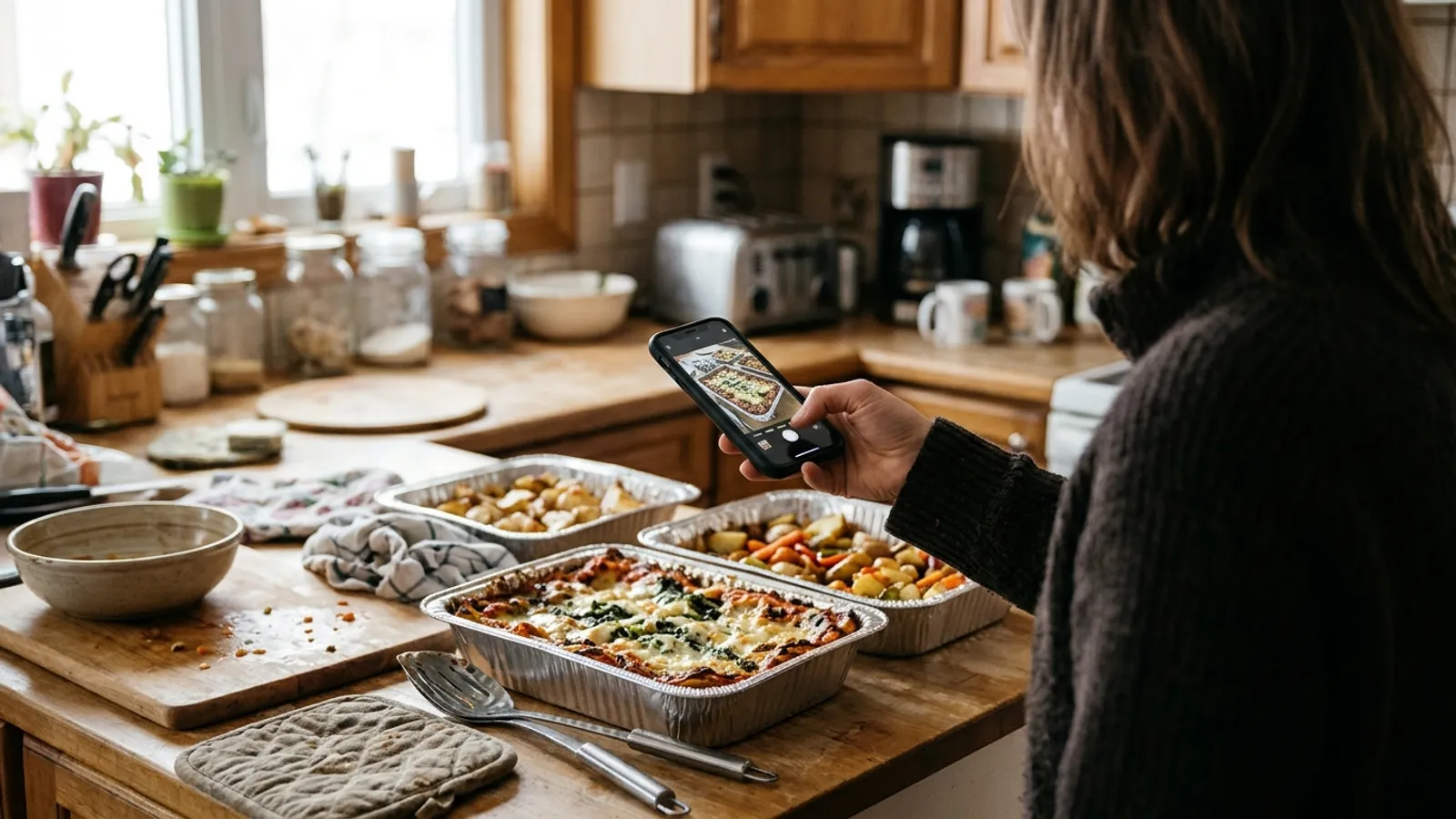
It starts with three messages on a Thursday. Two weeks later it is forty, spread across DMs, story replies and a WhatsApp group, and one of them says only: same as last time. Somewhere in there is a customer who paid twice and another who never paid at all.
Instagram is a wonderful shop window and a poor order book. You do not need to leave it. You need eight habits that move the ordering out of your inbox while the audience stays exactly where it is.
1. One link, and only one
Every extra way to order is another place an order can get lost.
Pick a single place where orders are taken, and send everyone there: the link in your bio, the link sticker in your stories, the first line of every caption. It can be an order page or a simple form to begin with. What matters is that it is the same answer every time someone asks how to order.
When a DM order arrives anyway, reply with the link and a thank you. After a few weeks your regulars stop asking.
2. A menu day your customers can set a clock by
People order more reliably from a cook with a rhythm.
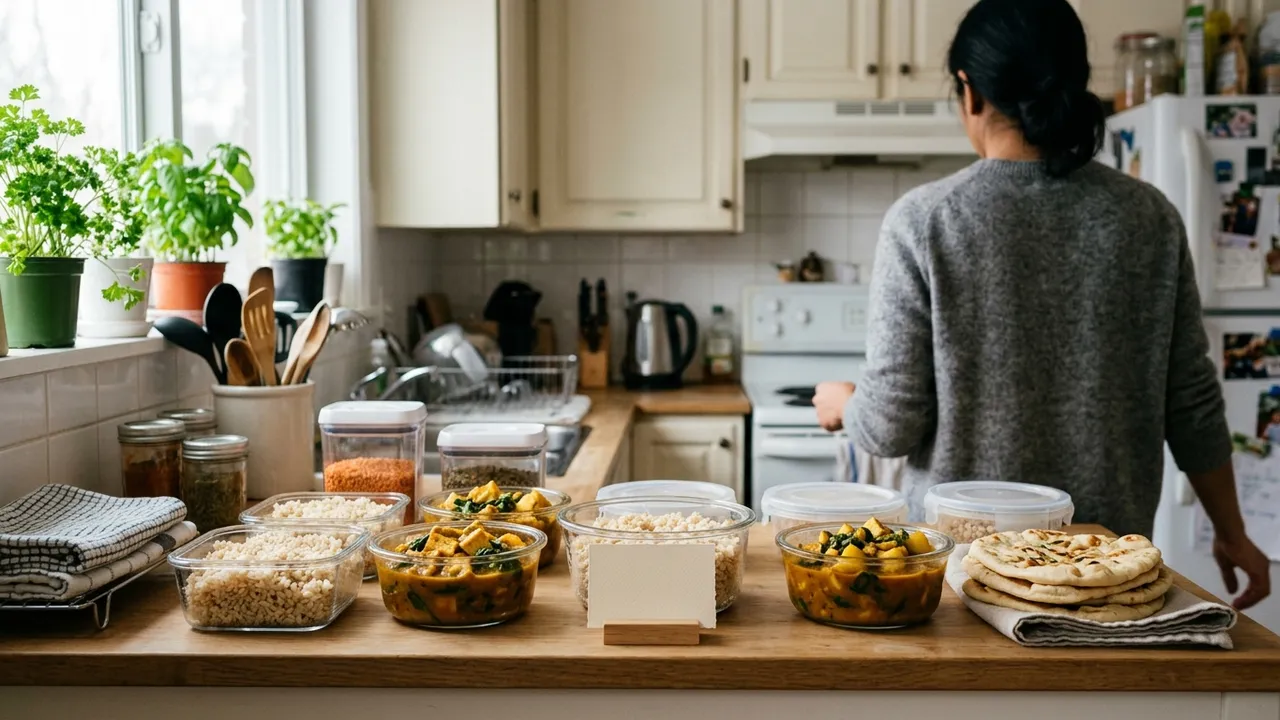
Choose the day and time your menu goes up and keep to it: Monday at noon, say, for Saturday pickup. A fixed rhythm turns your post into something customers wait for, and it gives you the same planning window every week.
It also spares you the daily question of when the next menu is coming. The answer is in your bio.
3. A cut-off you say out loud
A deadline is the kindest thing you can give a customer who means to order later.
Put the closing time in every post: orders close Thursday at 6 pm. Say it again in a story the day before and once more a few hours ahead. Orders tend to bunch up just before a deadline, and without one they arrive after you have shopped.
4. A number you will not go past
Selling out is a result; overselling is a Friday night you do not get back.
Decide how many trays, boxes or portions you can make well, and stop there. Showing that only a few are left gives people a reason to order now, and it protects the quality that brought them to you.
If something sells out early, say so in a story. It tells everyone watching to order sooner next week.
5. Payment when they order, not when they remember
An order without a payment is a maybe.
Ask for payment at the moment of ordering, by card or by Interac e-Transfer, and treat an order as confirmed only once the money is in. It ends the awkward reminders and makes no-shows rare.
If you take e-Transfers, give each order a number and ask for it in the transfer message. Matching payments to names by hand is where evenings disappear.
6. A confirmation that answers the next three questions
Every customer wants to know the same things the moment they pay.
What did I order, when do I pick it up, and where. A confirmation that says all three saves you a reply per order. Add how to reach you if plans change, and what happens if they are late.
7. Pickup windows, not pickup whenever
An open-ended pickup day keeps you at home, listening for the door.
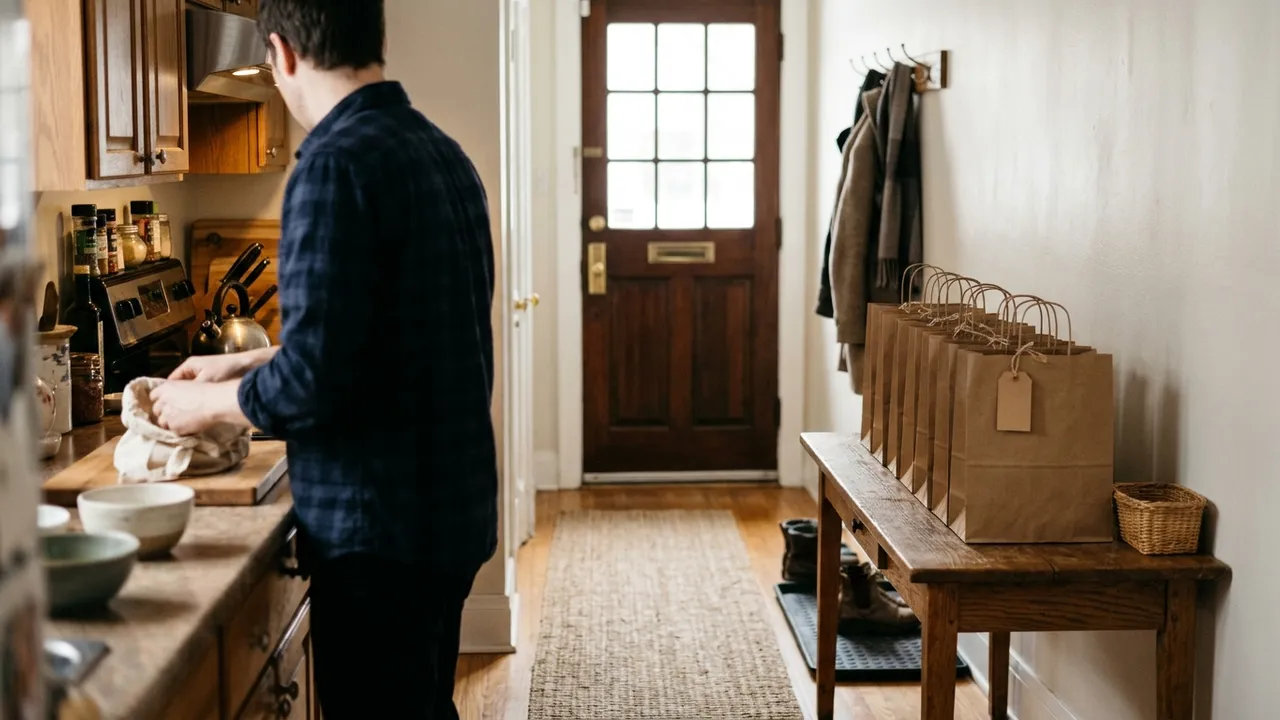
Offer two or three windows and let customers choose one when they order. You will know how many people are coming and when, and you can have their bags lined up in order.
Share your exact address only with people who have paid. For anyone browsing, the neighbourhood is enough.
8. A highlight called How to order
New followers arrive every week with the same question.
Save a short set of stories as a highlight: when the menu goes up, where to order, when orders close, how pickup works. Point to it whenever someone asks. It is five minutes of work that answers the question for as long as the account exists.
A confirmation message you can adapt
Thank you! Your order #24 is confirmed. 1 x family tray lasagna, 1 x garlic bread Pickup: Saturday 12:00 to 1:00 pm Address: sent to you now that the order is paid Need to change something? Reply here before Thursday 6 pm.
Questions people ask
Can I take orders directly in Instagram DMs?
You can, and most home cooks start that way. It stops working when orders, payments and pickup times live in different threads. Moving the ordering to one link keeps Instagram for what it does well: showing your food.
Where do I put an order link on Instagram?
Add it to the links in your profile, use the link sticker in stories on menu day and before the cut-off, and mention it in the first line of your captions.
How do I stop people ordering after the cut-off?
State the cut-off in every post, repeat it in stories, and close the order form or page at that time. The first week you hold the line is the hardest; after that customers plan around it.
What does Dish.ly add to this?
Dish.ly is the one link. It gives you an order page with your menu, a cut-off for each cooking day, limits on what you can make, pickup windows, payment by card or Interac e-Transfer, and an automatic confirmation. Your pickup address can stay hidden until a customer has paid.
KEEP THE AUDIENCE, LOSE THE INBOX
Give your followers one link to order from
Create a Dish.ly order page from a photo of your menu and put it in your bio today. There is no monthly fee.
Create my order page