BlogTaking orders · 4 min read
A Weekly Menu Post That Sells: 8 Parts and a Caption Template
A weekly menu post has one job: turn a follower into an order. The eight parts every post needs, in order, with a caption you can copy.
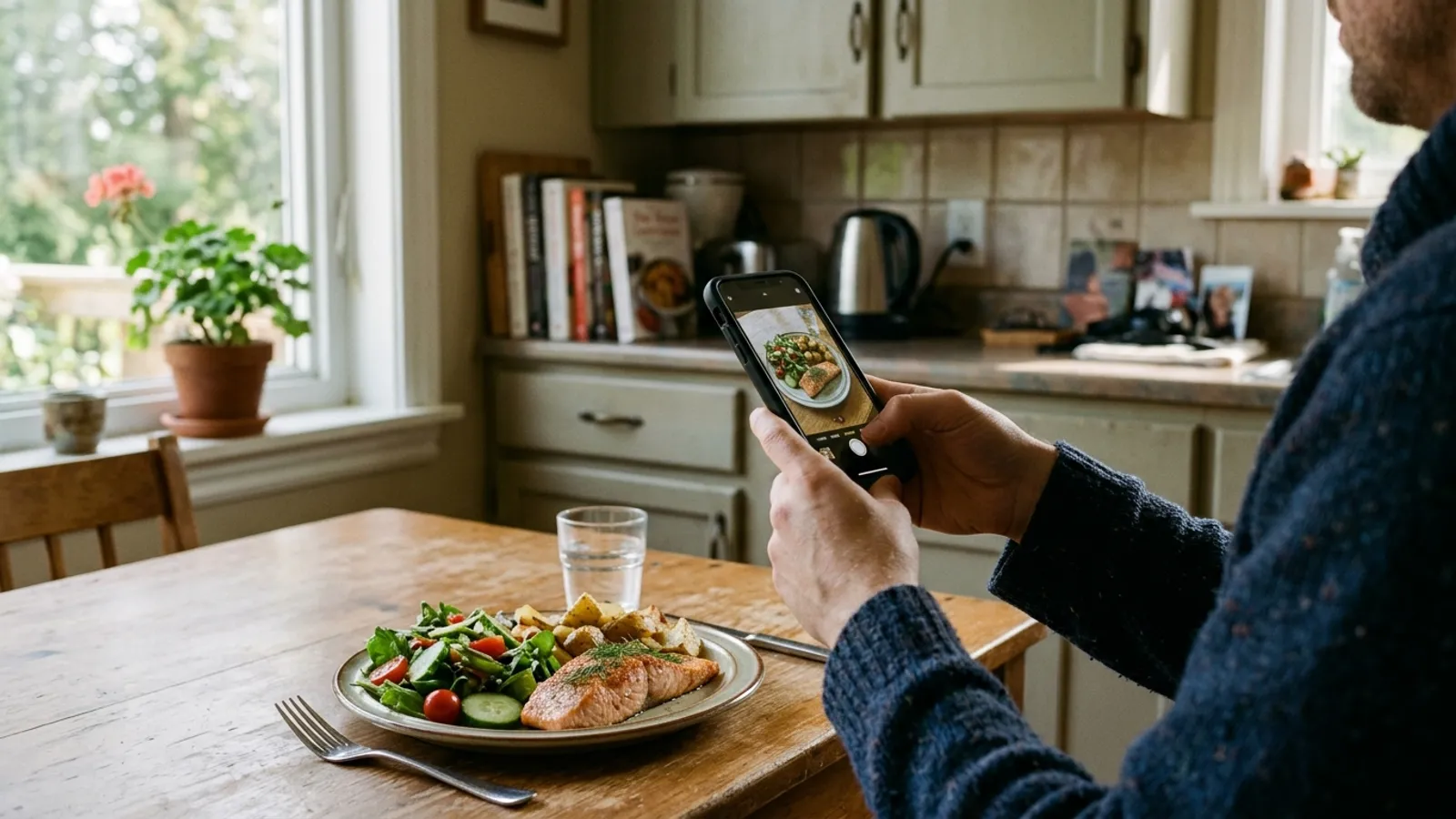
A menu post gets a glance. In that glance a follower decides whether your food is for them this week, and if the post makes them work for the price, the day or the way to order, the thumb keeps moving. Most posts that fail are not ugly. They are missing a part.
A post that fills a cooking day carries eight parts, in this order. None of them needs a designer. They need a window, a phone and ten minutes on the same day every week.
1. One dish, one photo, by a window
The first image sells the whole menu, so let your best dish carry it.
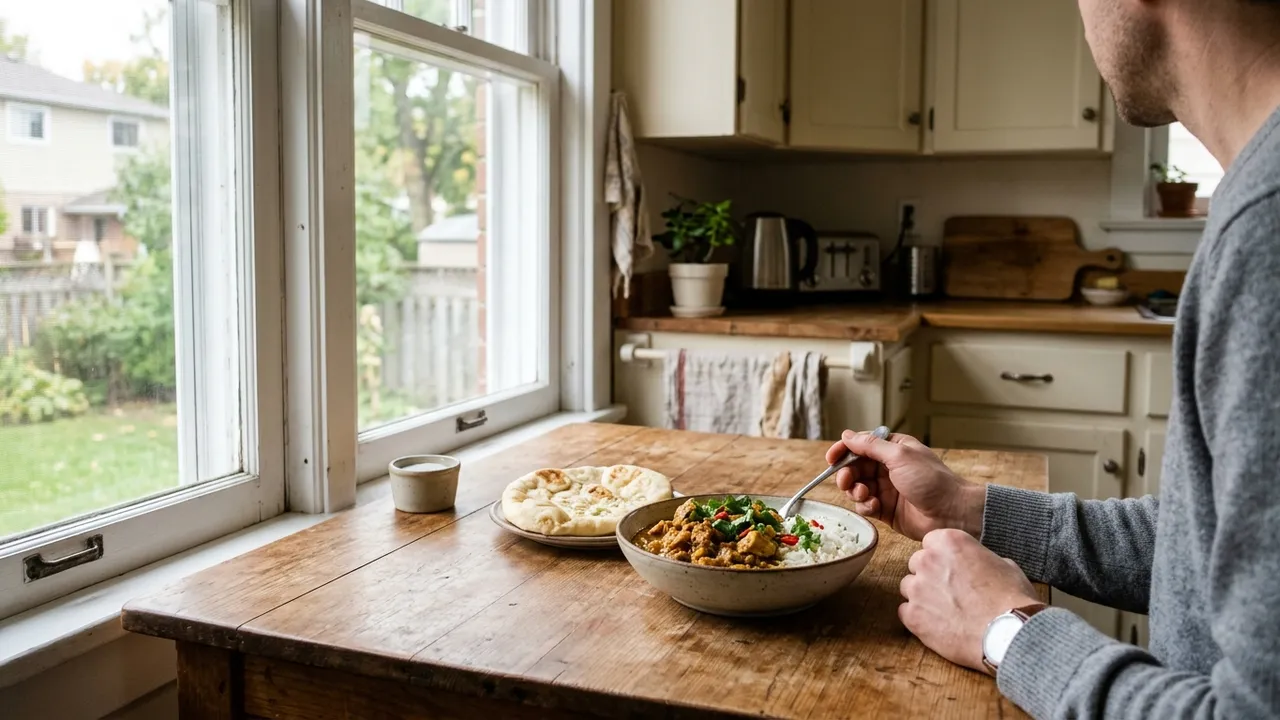
Lead with a single dish, shot in daylight near a window with the overhead lights off. Fill the frame. A crowded table of six dishes reads as noise on a small screen; one glistening tray reads as dinner. Put the rest of the menu on the next slides.
2. The menu, with prices, in the image
A price that has to be asked for is a sale that waits for a reply.
Put the dishes and their prices on a clean second slide, and repeat them in the caption so they can be read without swiping. Say what a portion is: serves two, twelve pieces, a 9-inch tray. Hidden prices do not create curiosity. They create silence.
3. The day you cook
This week means nothing until it has a date on it.
Name the day and the pickup time in plain words: Saturday, pickup 12 to 2. Regulars will learn your rhythm, but new followers have never seen it, and a post is often read days after it went up.
4. The moment orders close
The cut-off is the only line in the post that makes anyone act today.
Write it as a day and a time, near the top of the caption: orders close Thursday 6 pm. A post without a deadline invites people to order later, and later tends to be after you have shopped.
5. What is limited
If there are only twelve trays, say twelve.
A real limit is useful information, and it is the honest kind of urgency. Name the dish and the number. When it sells out, update the post or add a story, so nobody orders around something that is gone.
6. One way to order
The post should end in a single instruction that a tired person can follow.
Order at the link in my bio. Not DM, or text, or comment below, or ask my cousin. One route means every order lands in the same place with the same details, and it means you are not copying addresses out of comment threads at night.
7. What is in it
A line about allergens is read by fewer people and matters more to them.
Name the common allergens in each dish, and say if something is halal, vegetarian or made without gluten-containing ingredients only when you are sure of it. Health Canada's priority allergens include milk, eggs, peanuts, tree nuts, wheat, soy, sesame seeds, fish and shellfish. Customers who need this line will trust you for having written it.
8. The same post, three times
One post does not reach all of your followers; the reminders catch the rest.
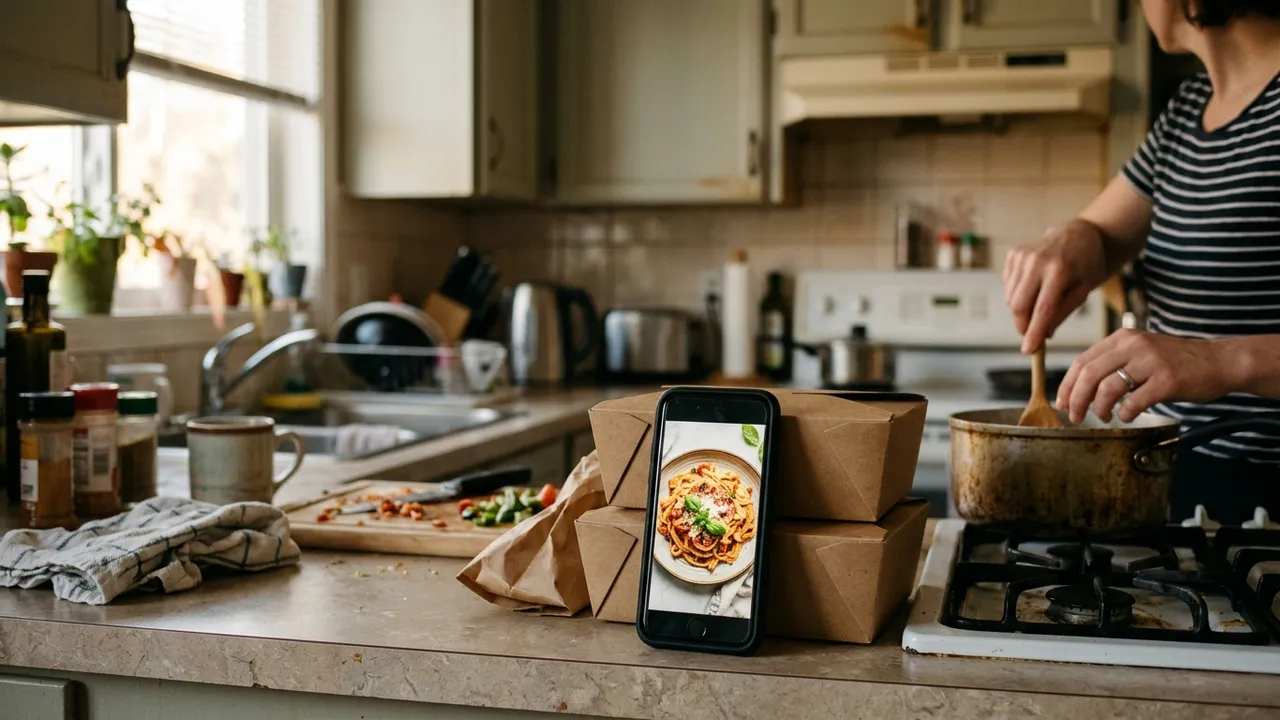
Post the menu on your menu day. Share it to your story the day before the cut-off with what is left. Post a last call a few hours before closing. It will feel repetitive to you and to nobody else, because most followers will not see all three.
A caption you can copy
This Saturday: butter chicken, dal makhani and fresh naan. Orders close Thursday 6 pm. Pickup Saturday 12 to 2 in Maple. Butter chicken (serves 2) $22 · Dal makhani (serves 2) $16 · Naan (4) $6 Only 12 trays of butter chicken this week. Contains milk and wheat. Chicken is halal. Order at the link in my bio.
Questions people ask
What should a weekly food menu post include?
A strong photo of one dish, the menu with prices, the day you cook and the pickup time, the time orders close, anything limited, one way to order, and the allergens. Then repeat the post before the cut-off.
How often should I post my menu?
Once on a fixed menu day, then a reminder the day before orders close and a last call a few hours before. Posting on the same day each week helps customers build a habit.
Should I put prices in my Instagram posts?
Yes. Put them in the image and repeat them in the caption, along with what a portion is. People who have to ask for a price often do not.
How does Dish.ly work with my menu post?
Dish.ly is the link the post points to. Your order page shows the same menu with photos and prices, the cut-off, what is left and the pickup windows, and takes payment by card or Interac e-Transfer. After you go live it also gives you a caption and a QR code to share.
FROM POST TO PAID ORDER
Give your menu post a link that takes the order
Build your Dish.ly order page from a photo of this week's menu and share it tonight. There is no monthly fee.
Create my order page