
All tutorials
Adding a phone or DM order
Enter an order you took by phone or message, with dishes, options, a pickup time and how it was paid.
For sellers · 1:35 · with narration
- Orders
- Phone orders
- No fees
Step by step
Everything said in the video, in order.
Start an orderat 0:00
- Not every order comes through your order page. When someone orders by phone, text or DM, add it yourself, so it is on your prep list with the others. Tap Add an order.
The customerat 0:11
- Start with the customer's name.
- Phone and email are optional. With an email, Dish.ly can send the customer a confirmation, and adds them to your customer list.
The dishesat 0:21
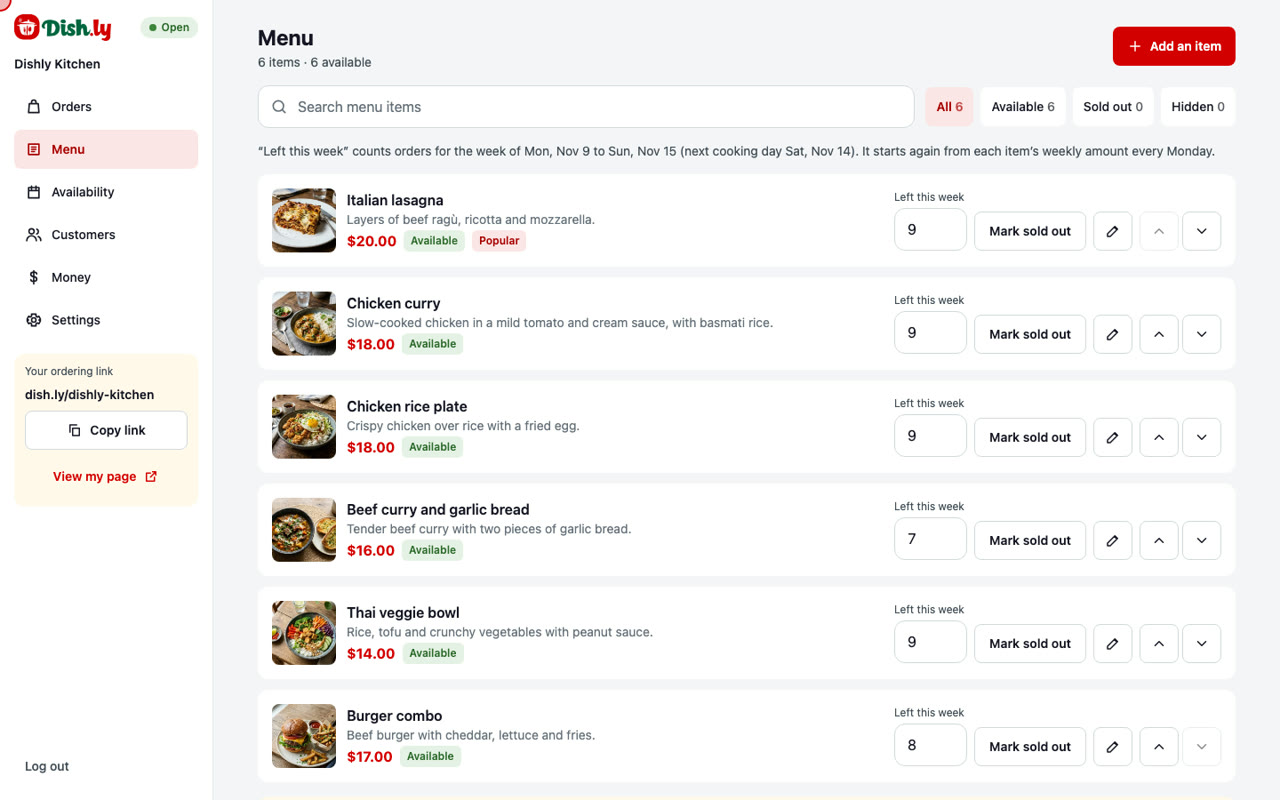
- Under Items, add the dishes with the plus buttons. Each dish shows how many are left this week. Two chicken curries.
- A dish with sizes or add-ons asks for them first. Let's add a lasagna.
- Choose the Family tray, tick the extra garlic bread, and add it to the order.
Pickup time and paymentat 0:41
- Next, how the customer gets it: pickup, or your own delivery. Then the day and the time.
- Then say how it was paid: by e-Transfer, or already paid outside Dish.ly. You collect this money yourself, and there are no fees on orders you add.
- Add a note if there is anything to remember.
Save it and find itat 1:01
- The summary on the right shows the dishes, the total to collect, and the pickup time. Tap Save order.
- The order is saved, with its own number. It is marked as paid outside Dish.ly, so it is not part of your payouts.
- On the Orders screen it sits with the day's other orders, and its dishes are counted in the prep list.
- From here it works like any other order. Mark it ready, then picked up.
- And that is adding an order by hand: the customer, the dishes, the time, and how it was paid. It takes less than a minute.
More tutorials
Try it on your own page
Create your order page in a few minutes. No monthly fee.