
All tutorials
Getting paid
Payout details, payment methods, the Money screen, and exactly how fees work on card and e-Transfer orders.
For sellers · 2:39 · with narration
- Payouts
- Fees
- e-Transfer
- Card payments
Step by step
Everything said in the video, in order.
How customers payat 0:00
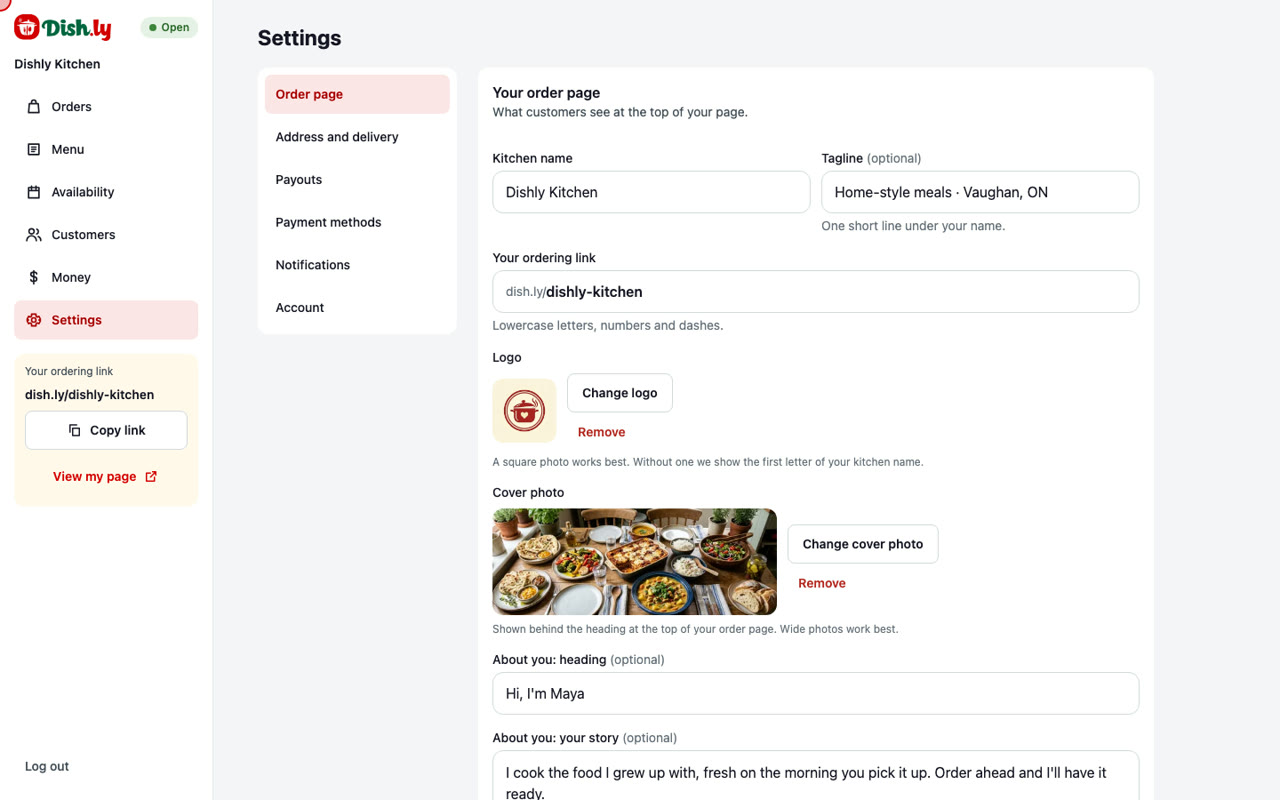
- Getting paid starts in Settings, under Payment methods. This is how your customers can pay.
- With card, customers pay when they order. Dish.ly collects the money and pays you every Monday. The credit card processing fee is 2.9% + $0.30 of the order total.
- With Interac e-Transfer, customers send the money straight to you, and you mark the order paid when it arrives. There is no processing fee.
- This is the email address customers send their e-Transfers to.
- Customers also pay a $2.00 service fee on every order. On an e-Transfer order that $2.00 arrives with the rest of the money, so Dish.ly takes it off your weekly payout.
Where your money is sentat 0:39
- Next, Payouts. This is where your money is sent.
- The simplest way is an Interac e-Transfer to your email. Enter the address registered at your bank, and turn on Autodeposit there, so the money lands in your account by itself.
- If you prefer, you can give your bank account numbers instead.
- To keep your money safe, Dish.ly emails you a code before these details can be changed.
The Money screenat 1:02
- Now the Money screen. It shows what you have earned.
- Next payout is the amount on its way to you, the Monday it arrives, and where it is going.
- Pending is money from card orders that are not finished yet. An order counts toward your payout once you mark it picked up or delivered.
- Beside it are your sales and your number of orders this month.
How the fees workat 1:24
- How fees and payouts work has the rules in full. There is no monthly fee.
- Here is an example. A customer orders $38.00 of food, and pays by card. With the $2.00 service fee they pay $40.00. The processing fee is $1.46, so you receive $36.54.
- If they pay by e-Transfer instead, the $40.00 goes straight to you, and $2.00 comes off your next payout. You keep $38.00.
- Orders you add yourself, for example from a phone call, have no fee at all.
Your orders and statementsat 1:59
- Below is every paid order of the month. For each one you see the food, the delivery fee you keep, the processing fee, and what goes to your payout.
- An e-Transfer order shows the $2.00 that is owed, because that customer paid you directly.
- The row above the list adds up the whole month.
- Download statement saves the month as a file for your records. And Payouts lists every Monday payment once you have had one.
- And that is getting paid: customers pay by card or e-Transfer, the only fee you pay is 2.9% + $0.30 on card orders, and your money arrives every Monday.
More tutorials
Try it on your own page
Create your order page in a few minutes. No monthly fee.